
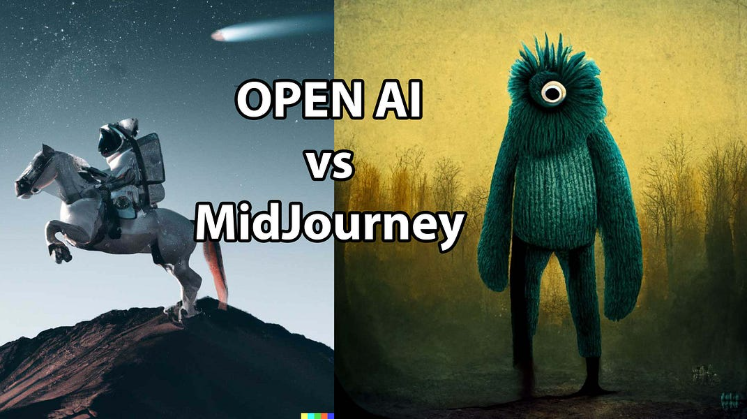
Generative AI tools are incredible for breaking through creative blocks. You can jump into Midjourney, DALL-E, or stable diffusion models, type in a concept, and get a gorgeous logo design mockup in less than thirty seconds.
But then you hit the inevitable AI pixel trap.
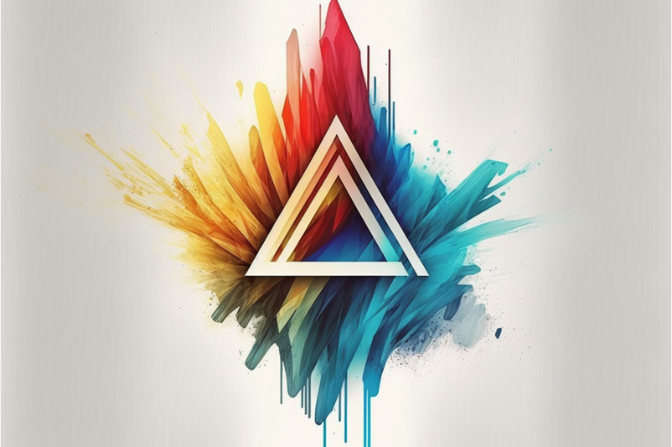
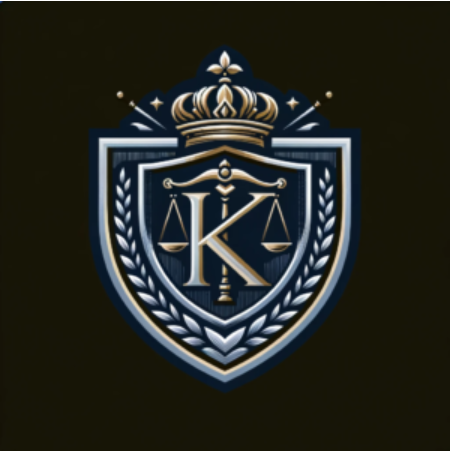
The machine hands you a flat, resolution-locked PNG or JPEG. Zoom in even slightly, and the crisp edges dissolve into a blurry, anti-aliased mess of stray pixels and compression artifacts. If you try to send that raw file to a print shop for a t-shirt or business card run, it will get rejected instantly. To make an AI-generated concept market-ready, it must be converted into clean, infinitely scalable mathematical vector paths.
Historically, this meant spending hours tracing over the pixel layer with the Pen Tool. Today, advanced automated tracing software has turned this into a lightning-fast process.
Over at logodesigninspo.com, we focus on high-speed, professional design assets. Here is the breakdown of how to use Vectorizer.ai and top-tier vectorization tools to clean up and perfect your logos.
1. Why Vectorizer.ai Breaks the Traditional Auto-Trace Mold
If you have ever used traditional auto-tracing tools from a decade ago, you know they were notorious for making logo graphics look like melted plastic. They relied entirely on simple threshold values, transforming soft raster shadows into jagged steps and messy geometric paths.
Vectorizer.ai handles things differently by discarding basic pixel checking in favor of a proprietary Deep Learning Vector Engine.
Instead of just grouping similar pixels into jagged boundaries, the AI looks at an entire shape structurally. If a line is meant to be a perfect circle, a symmetrical star, or a clean rounded rectangle, the algorithm actively matches the paths to true geometric parameters. It models mirror and rotational symmetries, smoothing out faint or indistinct boundaries while maintaining alignment across adjacent color zones.
2. Comparing the 2026 Auto-Tracing Ecosystem
While Vectorizer.ai is an exceptional specialist, it isn’t the only tool in a brand designer’s kit. Depending on where you build your layouts, different options provide different workflow advantages.
| Tool Name | Core Engine Strategy | Best Applied To | Web App Cost |
| Vectorizer.ai | Deep Learning Geometry + Symmetry Parsing | Cleaning up low-res logo mockups and sketches | $9.99 / month (unlimited web downloads) |
| Adobe Illustrator (Image Trace) | Advanced Bezier curve threshold controls | Complex, multi-colored illustrative marks | Included with Creative Cloud subscription |
| Recraft AI Vectorizer | Vector-native generative foundation | Fast web UI icons and standalone graphics | Freemium tier available |
| Inkscape (Trace Bitmap) | Single and multi-scan brightness cutoff | Budget-conscious designers needing local desktop tools | Open Source (Completely Free) |
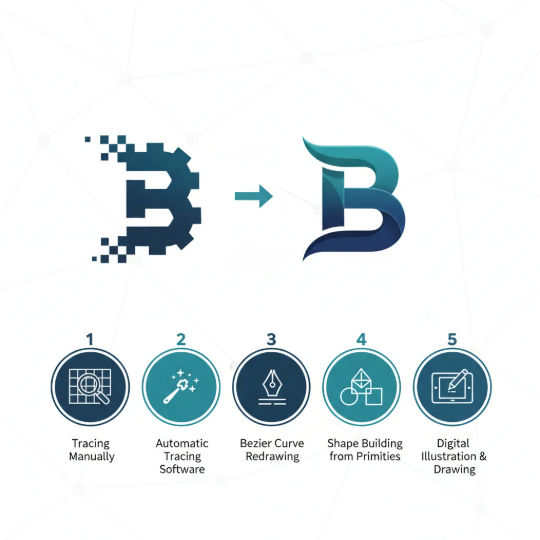
3. The Professional Logo Vectorization Pipeline
To convert a messy, pixelated AI generation into an elite corporate asset, you cannot simply rely on a single-click auto-tracer and call it a day. You need an organized cleanup strategy to prune unnecessary anchor points and stabilize your shapes.
4. When to Skip the AI and Trace by Hand
As powerful as automated vectorizers have become, they are not magic. There are specific visual scenarios where an auto-tracer will fail, and a skilled designer must step in with manual pen execution.
⚠️ Red Flags for Auto-Tracer Failure
Microscopic Gradients: If your AI logo features complex metallic textures, smoky lighting effects, or tiny lighting blurs, an auto-tracer will separate those smooth shifts into hundreds of ugly, distinct color bands that look like a topographic map.
Text Overlaps: If lettering is intertwined inside a complex icon path, automated software cannot tell where the icon ends and the character begins.
Production-Critical Geometries: For emblems bound for CNC machines, laser engraving, or physical signage, minor software variances can ruin the alignment. These logos demand the manual precision of geometric primitives (circles, arcs, squares) drawn directly over the reference art.
By using tools like Vectorizer.ai as a high-speed baseline, you can skip the tedious hours of rough manual plotting—giving you the freedom to focus entirely on fine-tuning line weights, tightening up typography, and delivering premium, scalable assets to your clients.

Leave a Reply