
The landscape of brand identity has completely shifted. We have officially moved past the era where AI was just a novelty for generating chaotic, unmarketable illustrations. In 2026, artificial intelligence is a core production assistant—speeding up brainstorming, automating vectorization, and generating baseline brand systems in seconds.
But as the market floods with venture-backed design software, a massive problem has emerged: hidden paywalls. Too many platforms entice you with a “free” generator, only to trap your final high-resolution vector files behind an expensive subscription screen.
Over at logodesigninspo.com, we believe in maximizing your creative leverage without breaking your budget. Whether you are a freelance designer looking to speed up client moodboarding or a founder building an MVP, here is your definitive, field-tested list of the absolute best free AI resources available to designers right now.
1. The Vector Native Powerhouse: Recraft.ai
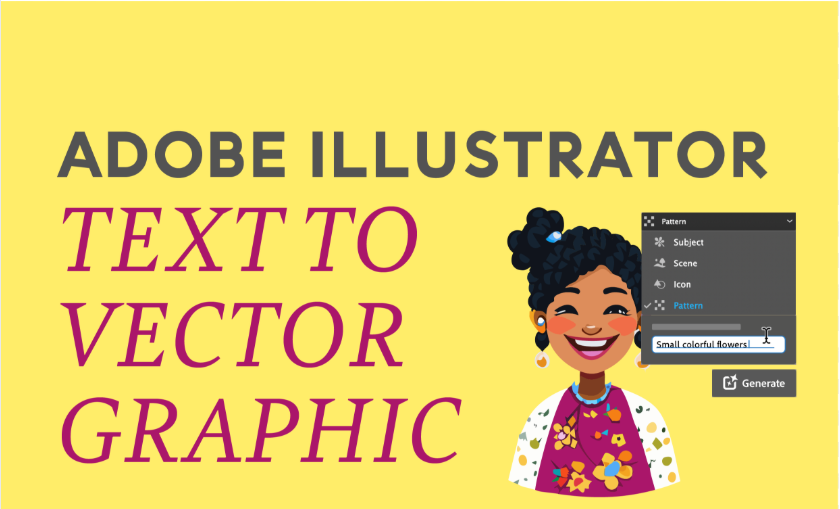
Almost every major AI image generator suffers from a fundamental limitation: they output pixels, not scalable math paths. Recraft is the glorious exception to the rule, making it arguably the most critical tool in a modern logo designer’s arsenal.
-
The Free Tier Reality: Recraft offers a robust free tier powered by daily generation credits. While your outputs contribute to their public community gallery, the commercial rights remain yours.
-
Why It Wins: It is an AI model built strictly for graphic designers. Instead of writing complex prompt chains to avoid 3D shading, you can use their simple UI selectors to specify “Flat Vector Style” or “Minimalist Icon.”
-
The Killer Feature: It generates true, editable SVG vector files natively. Furthermore, their latest engine allows you to upload a custom color palette, ensuring the AI respects your brand style constraints across multiple variations.
2. The Complete Ecosystem Hub: Canva (Magic Design & Dream Lab)
Canva has quietly evolved into one of the most powerful AI design stations on the web. It is no longer just a drag-and-drop template editor; its backend now houses sophisticated generative models tailored for rapid branding.
-
The Free Tier Reality: Free accounts get up to 20 text-to-image AI generations per month using their advanced Dream Lab engine, along with full access to their standard editing dashboard.
-
Why It Wins: What makes Canva sticky is the zero-friction transition from a prompt to a finalized brand layout. Once the AI generates an icon, you don’t have to switch apps. You can immediately drop it into a layout, pair it with real typography, and try it out on business card or social media templates.
-
The Killer Feature: The free tier includes powerful single-click semantic adjustments, like selective color editing, which allows you to click an AI asset and swap out specific hues to align perfectly with your client’s hex codes.
3. The Pure Free Production Baseline: Namecheap Logo Maker
If you don’t need a complex abstract art engine and simply want a quick, beautiful typographic or symbolic baseline without any strings attached, Namecheap’s utility remains undefeated.
-
The Free Tier Reality: 100% free with zero hidden costs. It does not clip your wings with watermarks or force a premium subscription when you hit the download button.
-
Why It Wins: It operates like a lightweight, AI-driven design wizard. You input your brand name, select your industry, and click through a series of font-style preferences and color moods. The system instantly generates hundreds of clean, corporate-ready variations.
-
The Killer Feature: It allows you to download full, transparent high-res PNGs and scalable SVGs completely free. It is the ultimate tool for launching side projects or creating rapid placeholder logos for structural website wireframes.
4. The Pixel-to-Path Bridge: Free AI Vectorizers
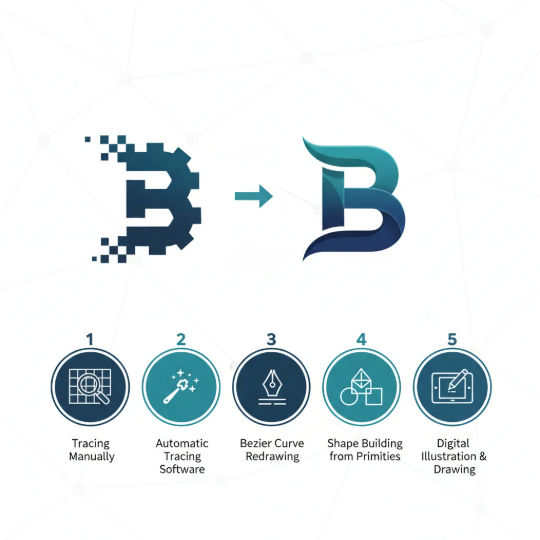
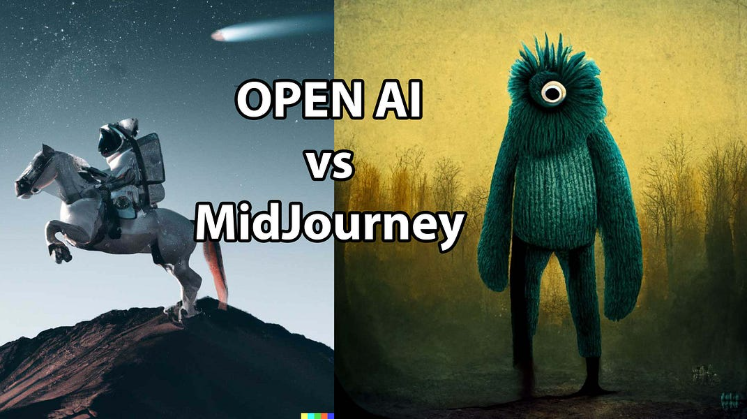
Let’s say you generated a stunning logo concept inside an engine like Midjourney or DALL-E 3. It looks amazing, but it is trapped as a pixel-based PNG. To make it usable, you need a tracing engine that translates those pixels into mathematical vector geometry.
-
The Tools: Utilities like Vectorizer.ai (and various open-source web equivalents) use deep learning edge-detection to map smooth Bezier curves over raster images.
-
Why It Wins: Legacy tracing tools often create thousands of jagged, uneditable anchor points. Modern AI vectorizers predict where a perfect geometric primitive—like an exact circle or a straight line—is supposed to exist, delivering incredibly clean node structures.
-
The Workflow: Run your flat AI image through an upscaler, drop it into the vectorizer, download the SVG file, and open it in Illustrator or Figma to fine-tune the paths.
📊 The 2026 Free AI Toolkit Comparison Matrix
To help you choose the right tool for your immediate workflow bottleneck, here is how the top free options stack up side-by-side:
| AI Resource | Best Used For | Free Tier Limit | Primary File Output |
| Recraft.ai | Generating native, scalable vector shapes | Daily credit allowance | True SVG / PNG |
| Canva (Dream Lab) | Building entire brand kits and layouts | 20 generations per month | High-Res PNG / PDF |
| Namecheap Logo Maker | Instant typographic & simple layout concepts | Unlimited free exports | Free SVG & PNG |
| AI Vectorizers | Converting pixel art concepts into clean paths | Basic web allowances | Pristine SVG |
💡 How to Stack These Tools to Form an Elite, Free Workflow
The real magic happens when you stop treating these tools as isolated islands and instead stack them into a unified, high-speed production pipeline:
Step 1: Ideate & Build Baselines (Namecheap / Canva)
                      ⬇️
Step 2: Generate Custom Geometric Shapes (Recraft SVG)
                      ⬇️
Step 3: Assemble & Standardize the Layout (Figma / Canva Free)
By utilizing this stack, you can comfortably take a client from an initial discovery brief to a fully fleshed-out, high-resolution visual identity system in a fraction of the traditional time—all while keeping your software overhead locked at zero dollars.
Leave a Reply